Getting Started
Logging In
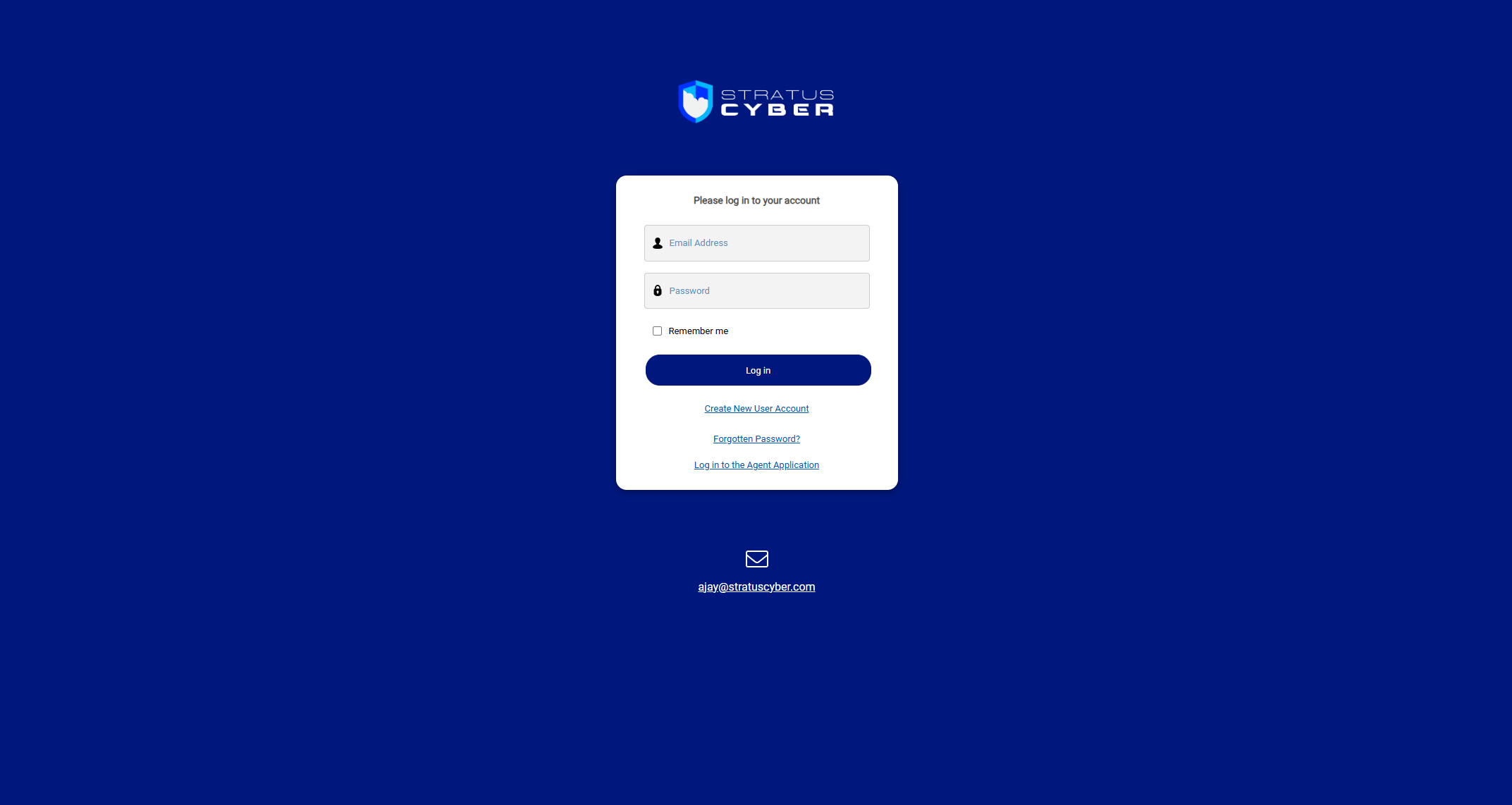
Navigate to your organization's GRC-ITSM portal and sign in with your email address and password. If your instance is configured with SSO, you'll also have the option to sign in using your organization's identity provider instead of local authentication.
Portal Home
After logging in, you'll see the portal home page with quick access to all major sections.
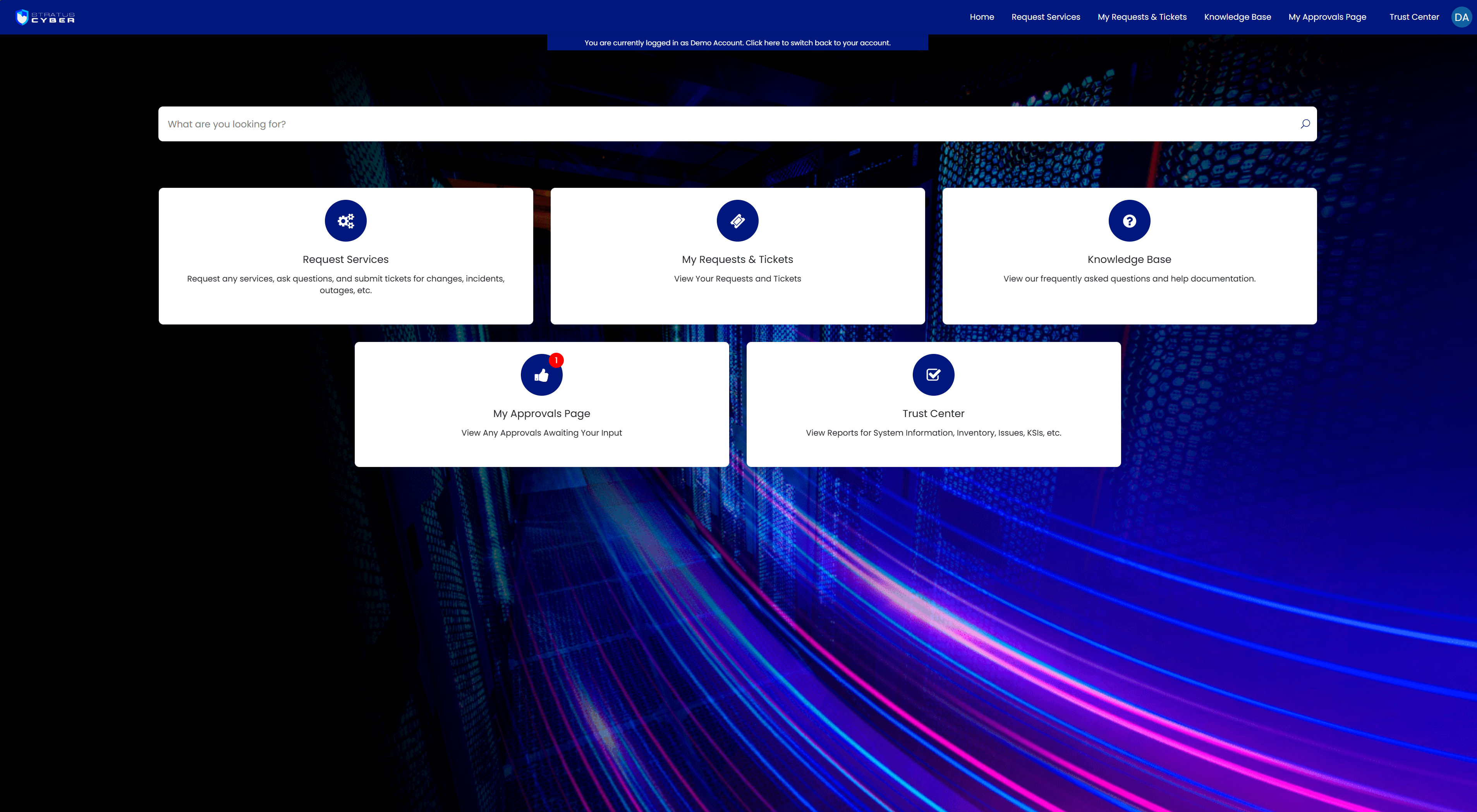
The portal navigation bar provides direct links to:
- Request Services - submit new requests
- My Requests & Tickets - track your existing tickets
- Knowledge Base - browse help articles and documentation
- My Approvals Page - review items awaiting your approval
- Trust Center - access compliance reports and system information