Change Management
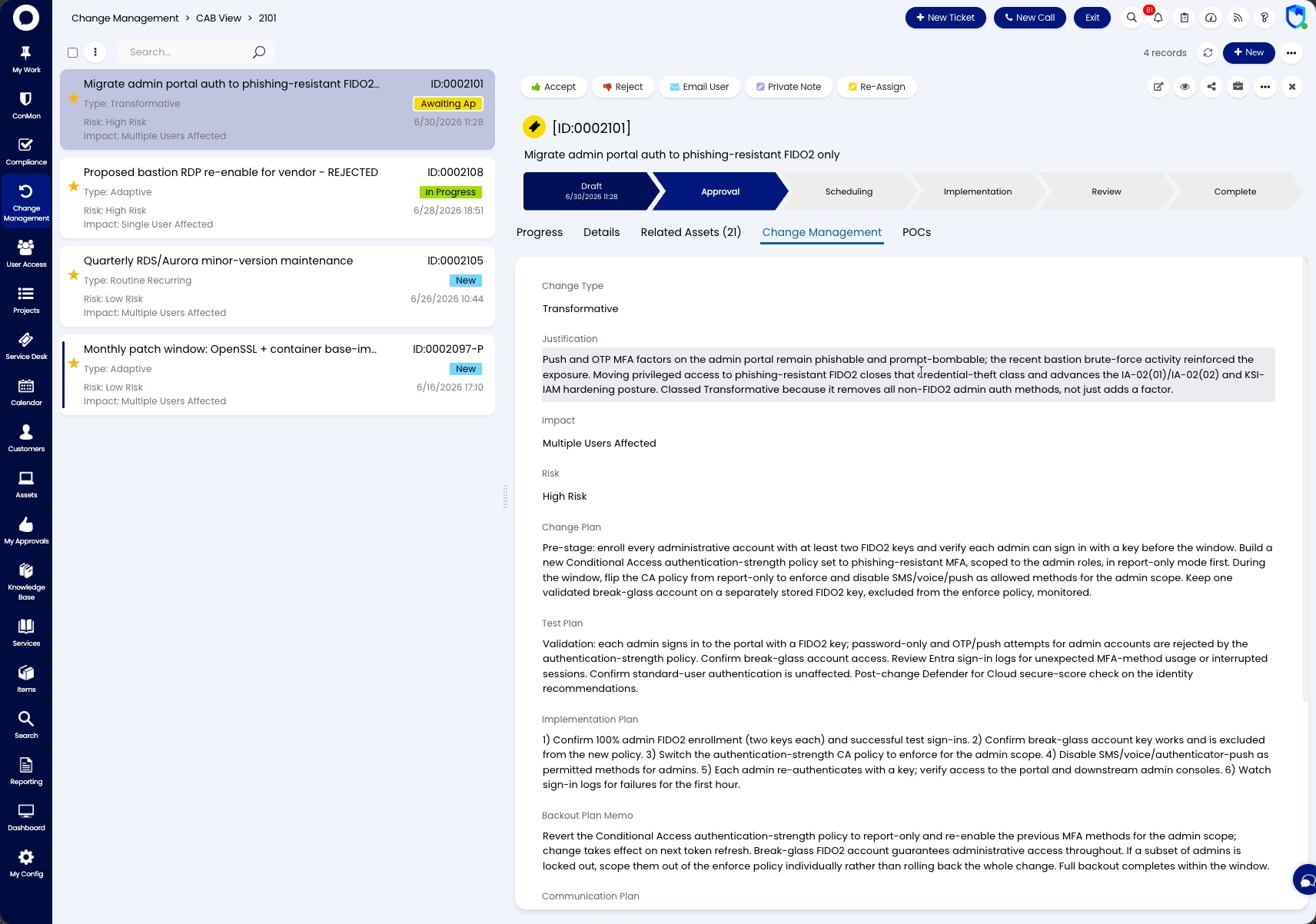
The Change Management area provides both a list and calendar view of all change requests that are active or pending in the system. From here you can open any change request to trigger workflow stages, add notes and comments, review details, and track progress through implementation.
Requires Attention
- Overdue - change requests that have passed their scheduled end date without completion
- Upcoming - change requests with implementation dates approaching soon
Active
- Calendar - a calendar view of all scheduled changes, useful for identifying conflicts and planning maintenance windows
- All Open - all active change requests with their current status, workflow stage, priority, change type, and scheduled start/end dates
Closed
- Closed - completed change requests for audit and reference purposes
Each change request tracks its Workflow Stage (e.g. Scheduling, Implementation, Review) and Status (e.g. Approved, Pending), giving clear visibility into where each change sits in the process.