Reporting
The Reporting page provides access to all reports available to you as an agent. Reports are organized into categories in the sidebar and cover compliance, operational, and management reporting needs.
Report Groups
Reports are organized into groups in the sidebar:
- My Reports - reports scoped to your own assignments and activity
- 20X - FedRAMP 20x reporting (KSI status, validations, machine-readable shapes)
- Automation - reports backing automated workflows
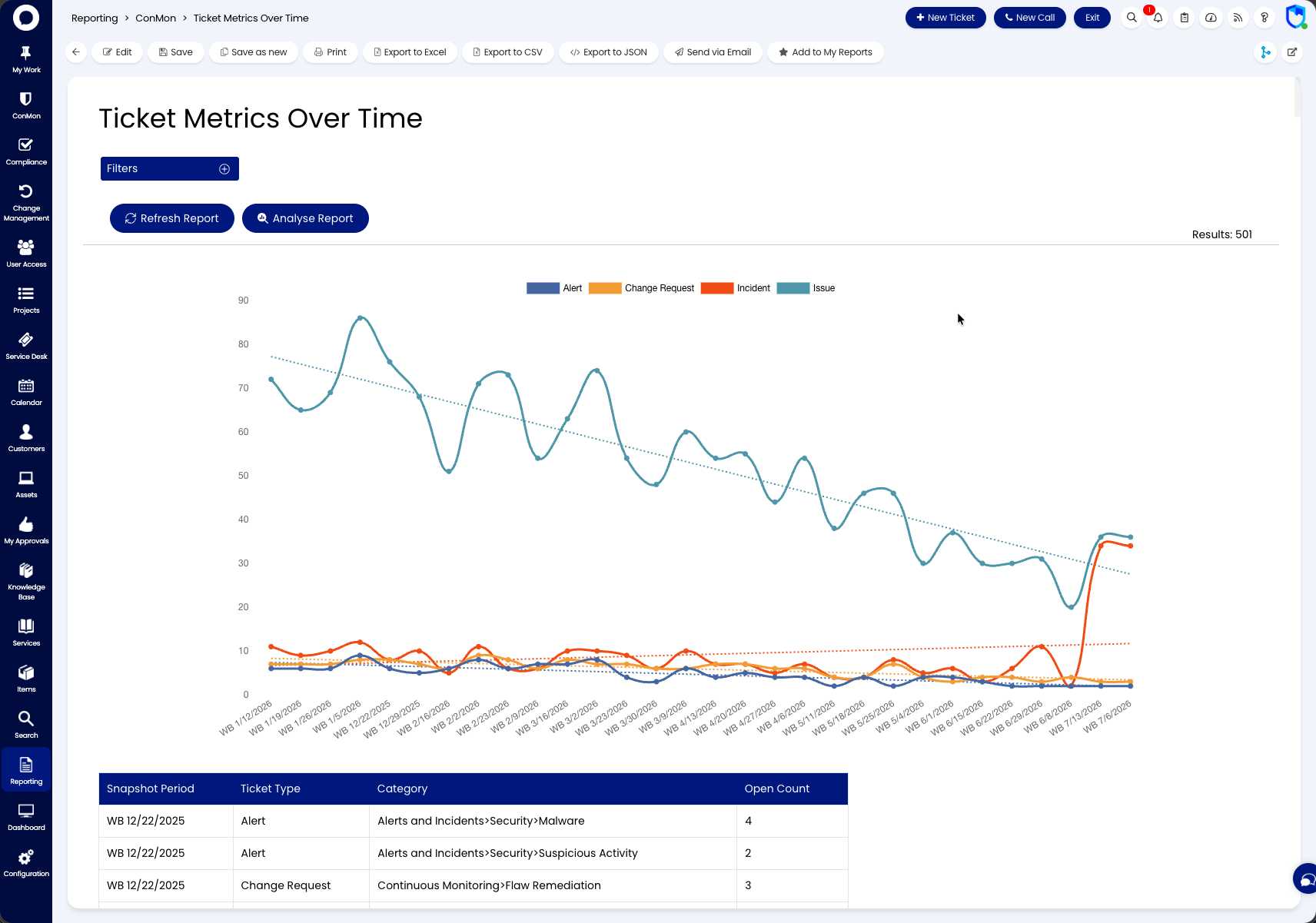
- ConMon - continuous-monitoring reports (issues, SLAs, ticket metrics over time)
- Custom Tables - reports over custom table data
- Documentation - component, implementation, and boundary documentation reports
- MCP - reports backing the platform's AI integration tools
- Operational - day-to-day operational reporting
- All Reports - the full catalog
Alongside report groups, the sidebar carries Data Sources, Composite Reports (combining multiple sources), and the Online Repository. Every report supports filtering, refresh, analysis, print, and export to Excel, CSV, or JSON.
Available Reports
Reports available to agents include inventory reports, POA&M reports, component documentation, KSI status and violation reports, issue detail reports, penetration findings, and more. The full list depends on what has been configured for your instance.
Customization
All reports are fully customizable using SQL queries. Report creation and configuration is handled by administrators; see the Administrative Guides for details on setting up and modifying reports.